TACKLING TRANSLATION: Helpful Hints
If you don’t have any non-English speaking ancestors you can skip this Blog post. However if you are like me you you will encounter French, German, Swedish, Norwegian and Dutch records in researching your ancestors. In Junior High and High School I took Spanish—and the truth be told I was never very good at it even after over 5 years of instruction. To date, I have no known Spanish speaking ancestors in my tree, although there may be a Portuguese one or two back in the 1500’s.
Needless to say there are many people that are very good a foreign languages—I am NOT one of them! Over the years I have gotten by with genealogy Cheat sheets like the ones you can find on the FamilySearch Wikis, foreign language dictionaries, and more recently Google Translate. I few years back when I had arranged a guided tour in Scotland and the tour was to be given in Spanish, I downloaded the Google Translate app to my phone. I didn’t end up having to use it as our guide spoke perfect English and we were the only ones on the tour. But it did come in handy a few years later in Germany when my host spoke only a little English and his wife none. Google did an admirable job of translating the spoken language in German into English and vica versa.

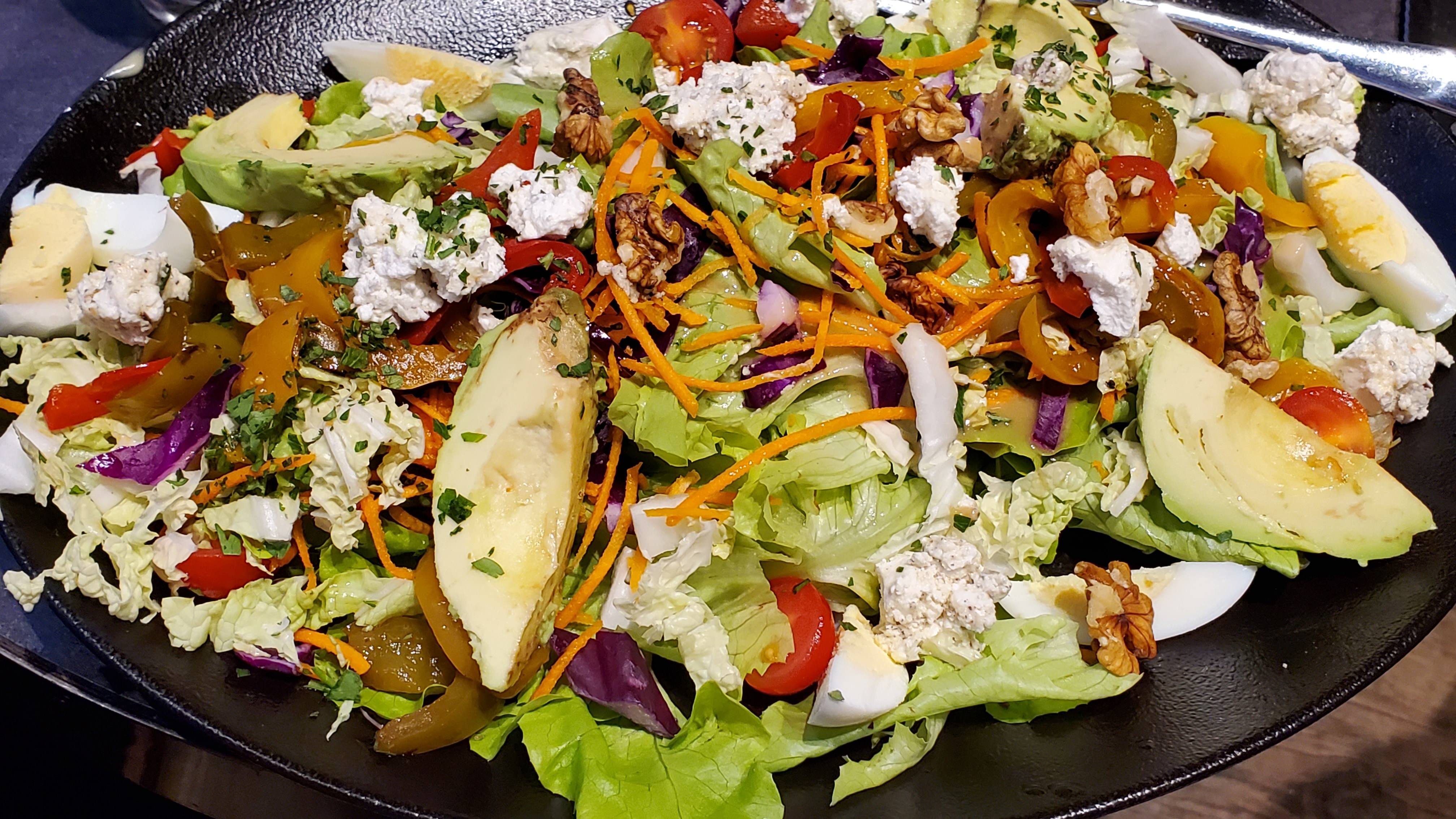
But the real power of Google Translate for genealogy remained hidden to me until I was sitting at a restaurant in the French Alps and finding the menu bewildering my grandson showed me the REAL power of Google Translate in all its glory. Open the Google Translate app; Point the phone at the menu, and voliá French becomes English. How great is that? Well I ordered this! And it was to die for: Avocados, fresh butter lettuce, walnuts, hard boiled eggs, julienned carrots, cherry tomatoes, peppers and the freshest mouth watering goat cheese. Success!
GOOGLE TRANSLATE for GENEALOGISTS
So it took me awhile to turn this new found tool, onto foreign language texts or documents. You have two options in Google Translate: Conversation, for spoken language and Camera for writing or texts. Choose camera and with Google Lens aim at the text you want to translate. Obviously it does better with printed text but can sometimes manage handwriting. The second option is to send the translated text in the original language and the translation in English to your phone where you can copy it and send to yourself by email of text. Now mind you it isn’t perfect but it’s darn good. So on the left we have a photo of the original text. On the left is the translation as it appears on the Phone screen and you can see at the bottom “Send to Translate Home” where it will send to your phone the text in both German and English. This works on any two languages you choose.


GOOGLE LENS
Google Lens sure beats typing all this out by hand! It works hand in hand with Google Translate or you can download the Google Lens app and translate any writing into text. Try it out—you can thank me a thousand times later.
Sadly it does not work so well with old Gothic Script in Latin and other fancy scripts—but it sometimes helps—maybe someday it can tackle the really tough stuff.
Kelly Wheaton ©2023 – All Rights Reserved
 Wheaton Wood
Pingback: We Can’t Write What We Don’t Know: A Journey from the Fjords of Norway to the Shores of New York Mid 19th Century | Wheaton Wood